System Engineering Interface¶
The System endpoint (/system) is the engineering workspace for configuring
the control system. It provides authoring and administration views for the
physical hierarchy, recipes, equipment library, device registration, and system
diagnostics. Access is restricted to dcs-admin and dcs-engineer roles.
This guide covers the top-level System navigation structure and the engineering tasks each view supports. Deeper topics have their own guides:
- Device Enrollment — joining and registering controller devices
- I/O — IOModule and Simulation Preset authoring
- Control Modules — function-block templates and instances
- Phases — phase state charts
- Recipes — master recipe authoring and approval
Sidebar Layout¶
The System sidebar has two sections:
- Navigation — top-level engineering views: Diagnostics, Recipes (collapsible), Equipment Library (collapsible), Compliance (collapsible)
- Sites — the full physical hierarchy, rooted at each Site
The clip below walks the navigation groups in the order an engineer reasons about the plant: is it healthy (Diagnostics), what do we make (Recipes), what runs it (Equipment Library), and how change is governed (Compliance).
/system sidebar groups: Diagnostics, Recipes → Master Recipes, Equipment Library → Control Modules, and Compliance → Change Requests.Navigation Views¶
| View | Description |
|---|---|
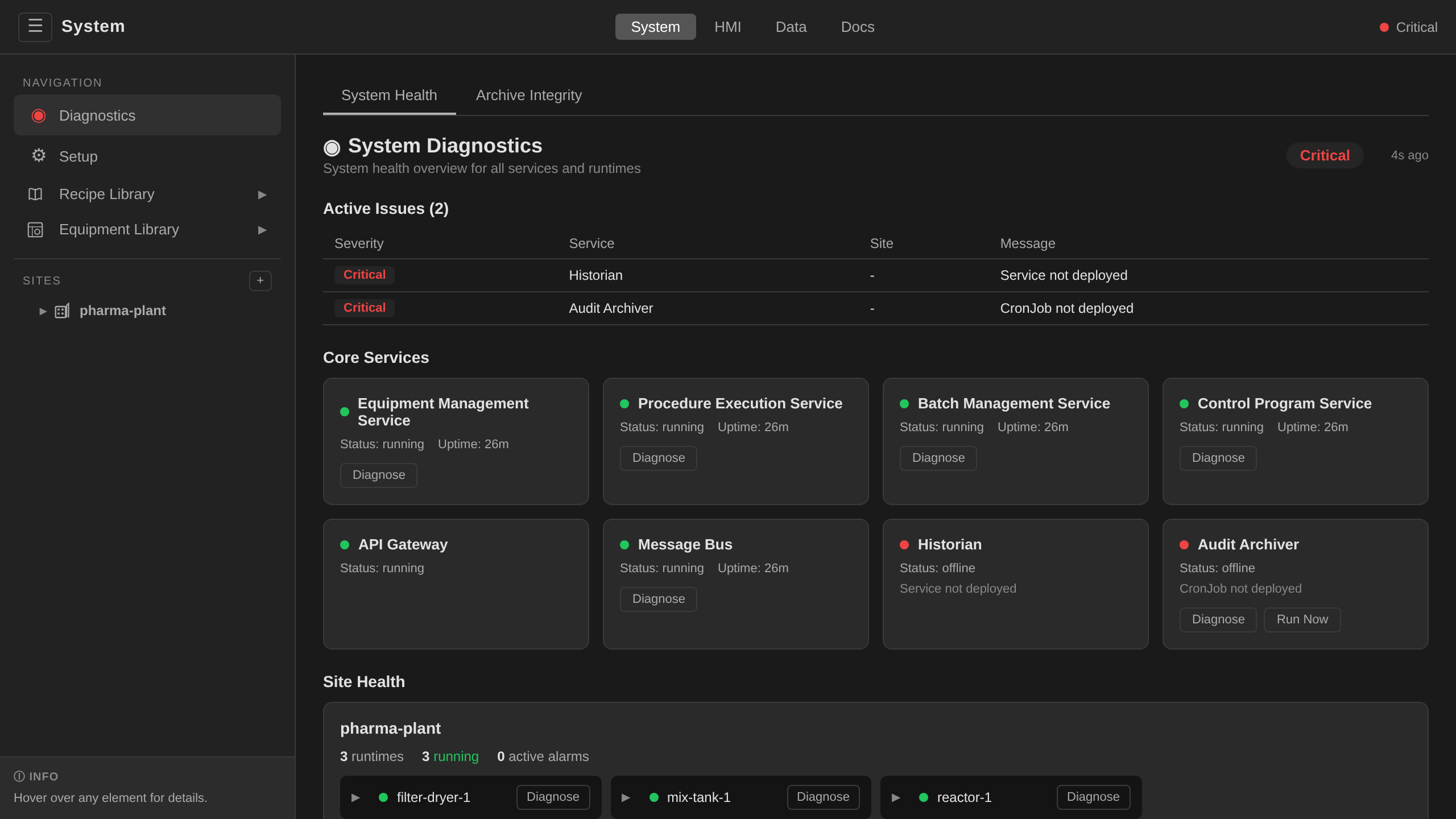
| Diagnostics | System health, service status, and per-site runtime/alarm summaries. Two sub-tabs: System Health and Archive Integrity — a read-only panel showing the scheduler's audit-archive verification history (see Security Operations). The health-indicator icon in the top bar matches overall health color. |
| Recipes | Collapsible group: Master Recipes, Operations, Unit Procedures, Procedures, Formulas. See Recipes. |
| Equipment Library | Collapsible group: Control Modules, Phases, Simulation Presets, Symbols (ISA 5.1 symbol library for process displays), and Device Discovery. See Control Modules, Phases, I/O — Simulation Presets, and Device Enrollment. |
| Compliance | Collapsible group for the 21 CFR Part 11 surfaces: Change Requests (the change-control approval queue), Archive Integrity (the same panel as the Diagnostics sub-tab), and an Audit Trail link that opens in the Data app. See Change Control. |
Recipe sub-tabs¶
The ISA-88 recipe model stacks four authoring layers on top of phase templates. The Recipes nav group mirrors those layers as sibling sub-tabs.
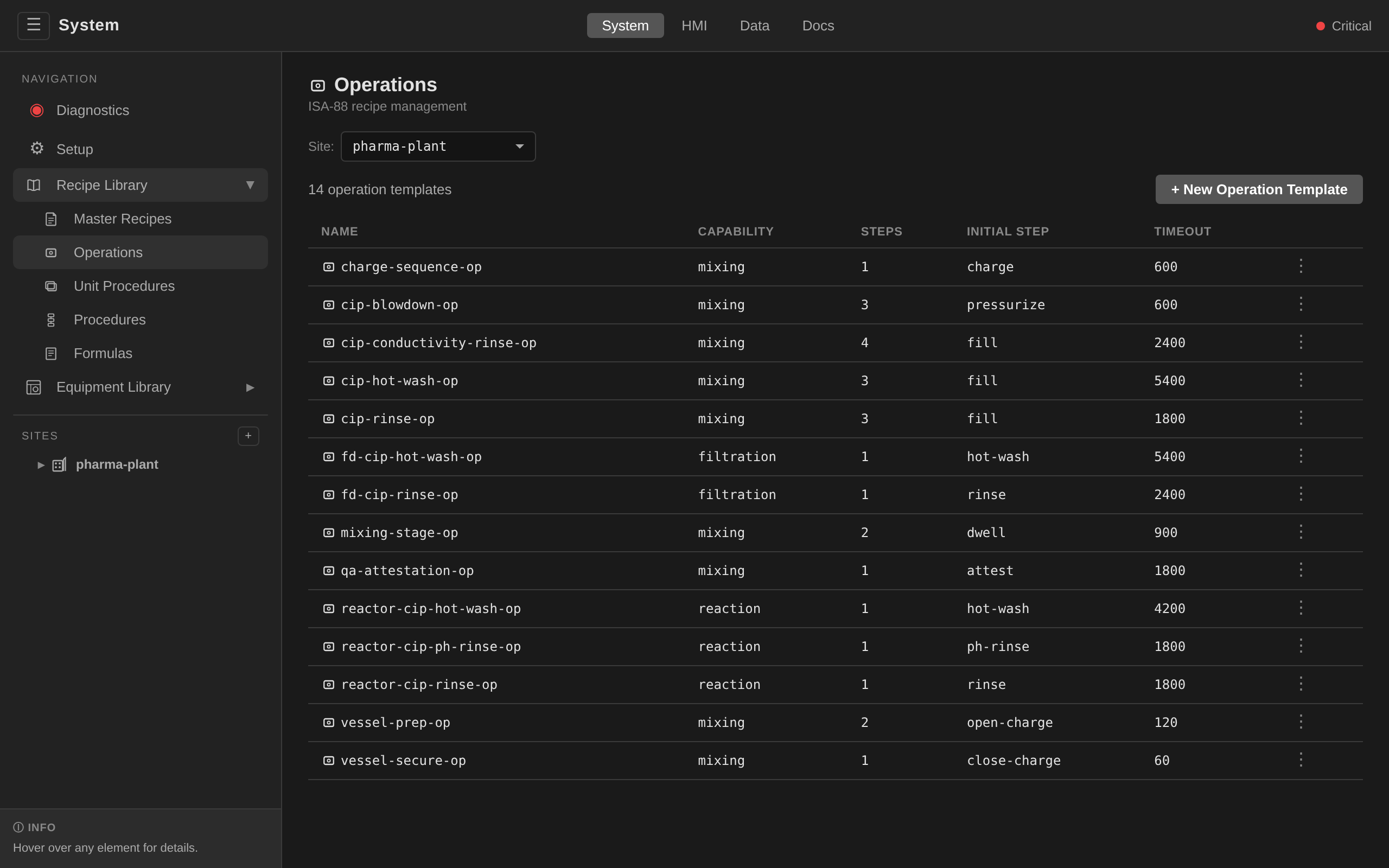
Operations are ordered sequences of phase-template calls (e.g. a full CIP rinse = fill → agitate → drain). See Operation & Unit-Procedure Templates for the reference library.
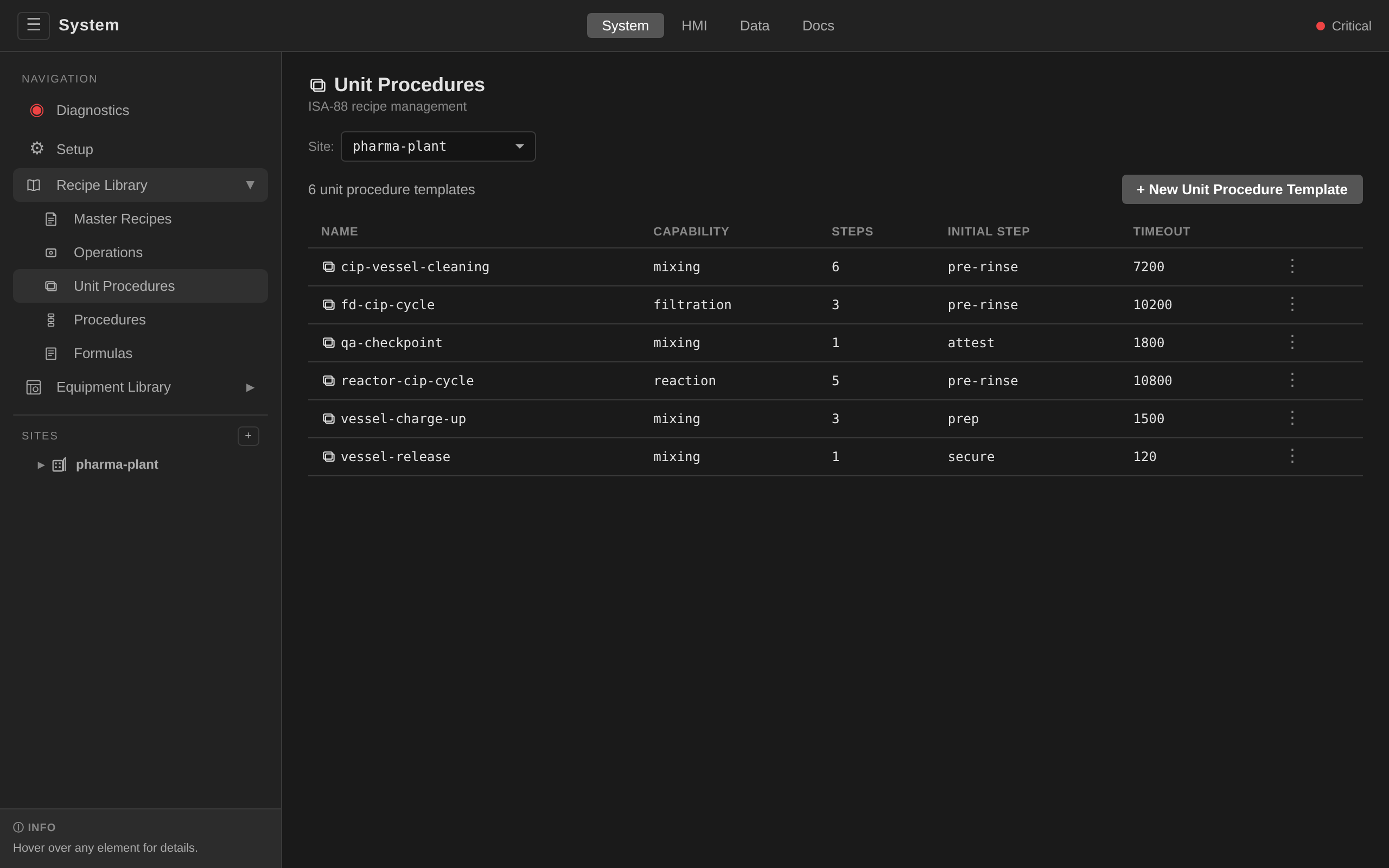
Unit procedures compose operations into a reusable procedure skeleton that a master recipe can bind to a specific unit.
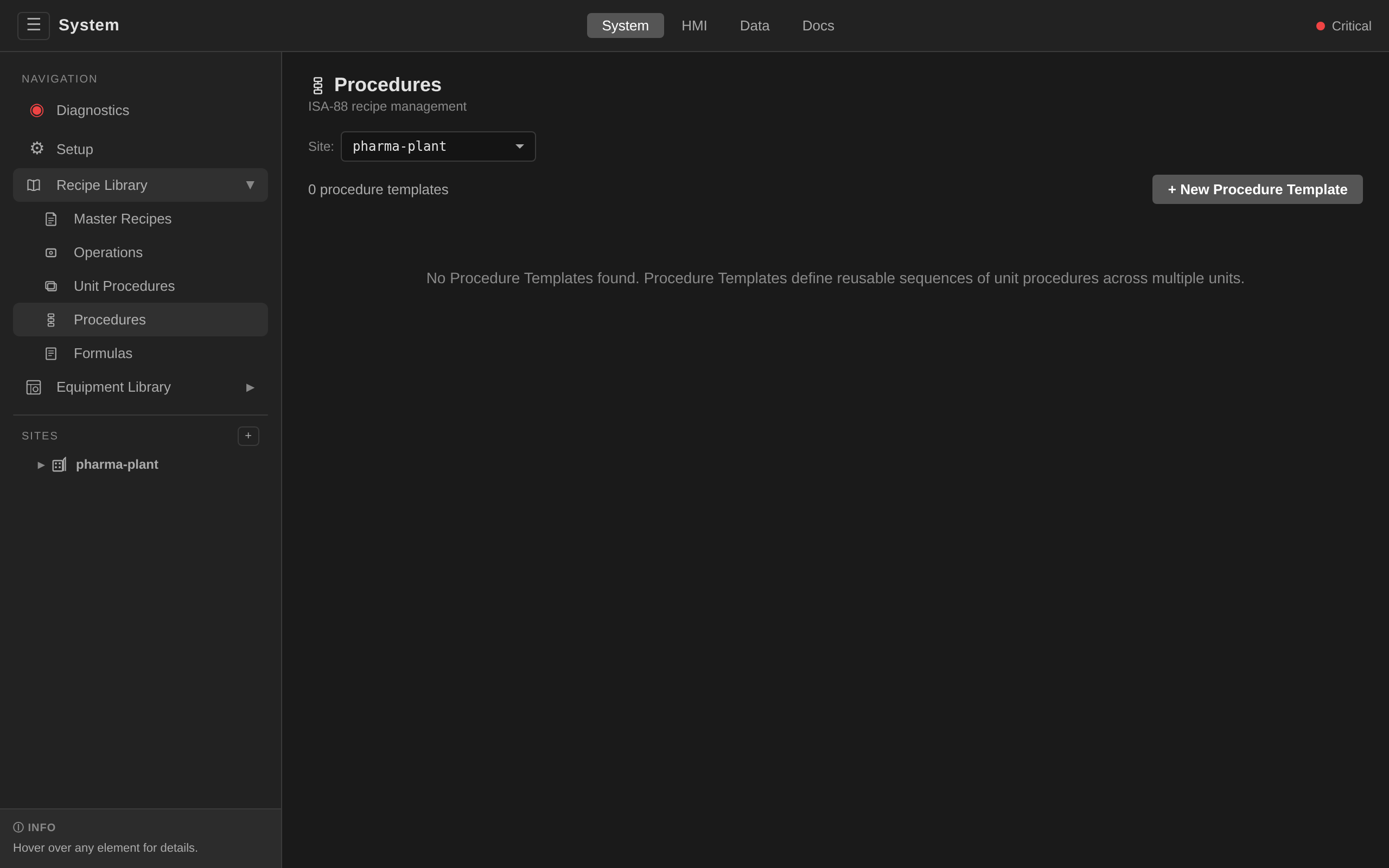
Procedure templates are the top-level procedural skeletons that can be shared across multiple MasterRecipes. Sharing is rare, and most recipes define their procedure inline.
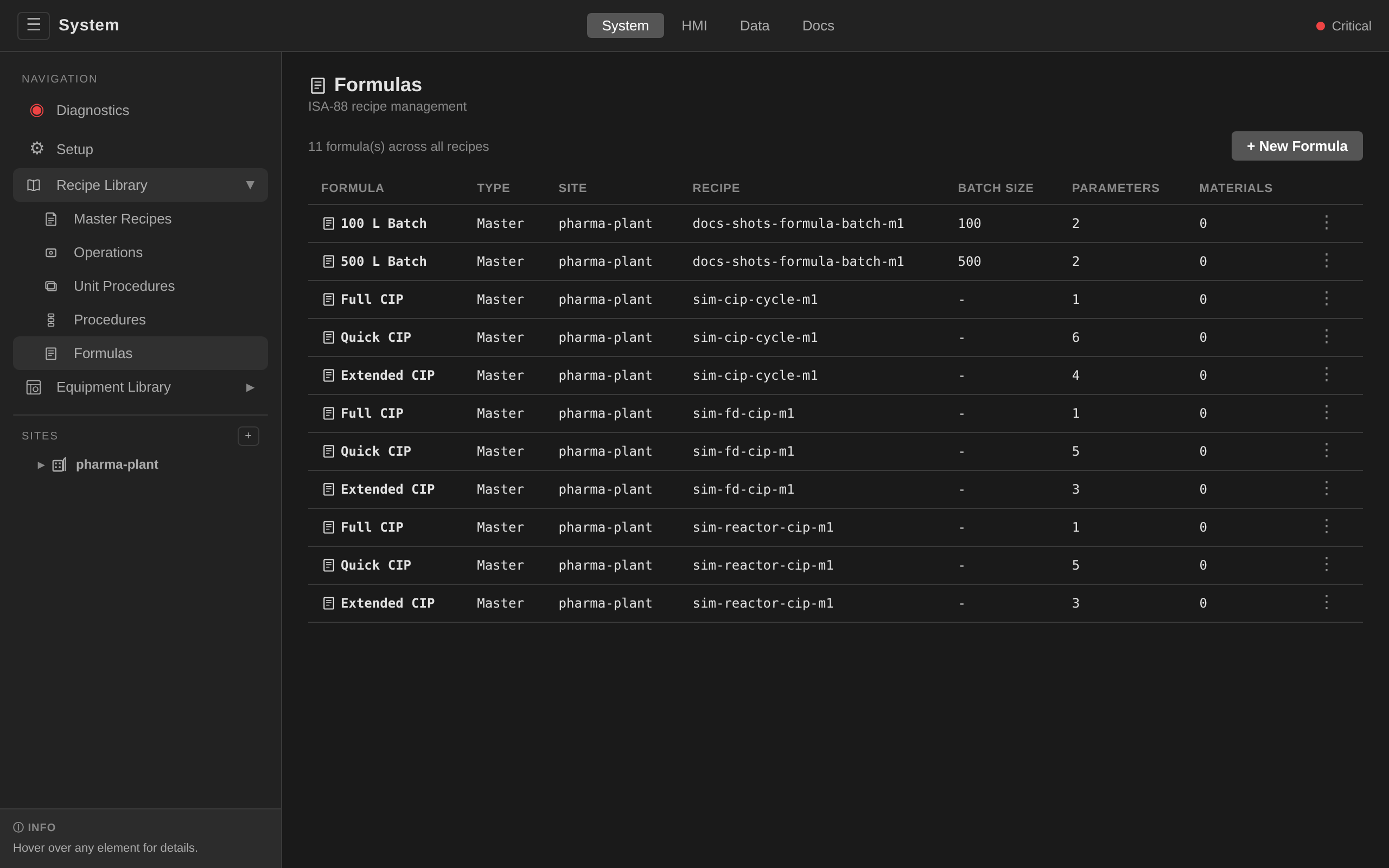
Formulas are named parameter sets tuned for a specific batch size. The batch controller picks the closest match at batch creation and cascades its values into the ControlRecipe. See Recipe Workflow § Batch-size scaling.
Physical Hierarchy Editing¶
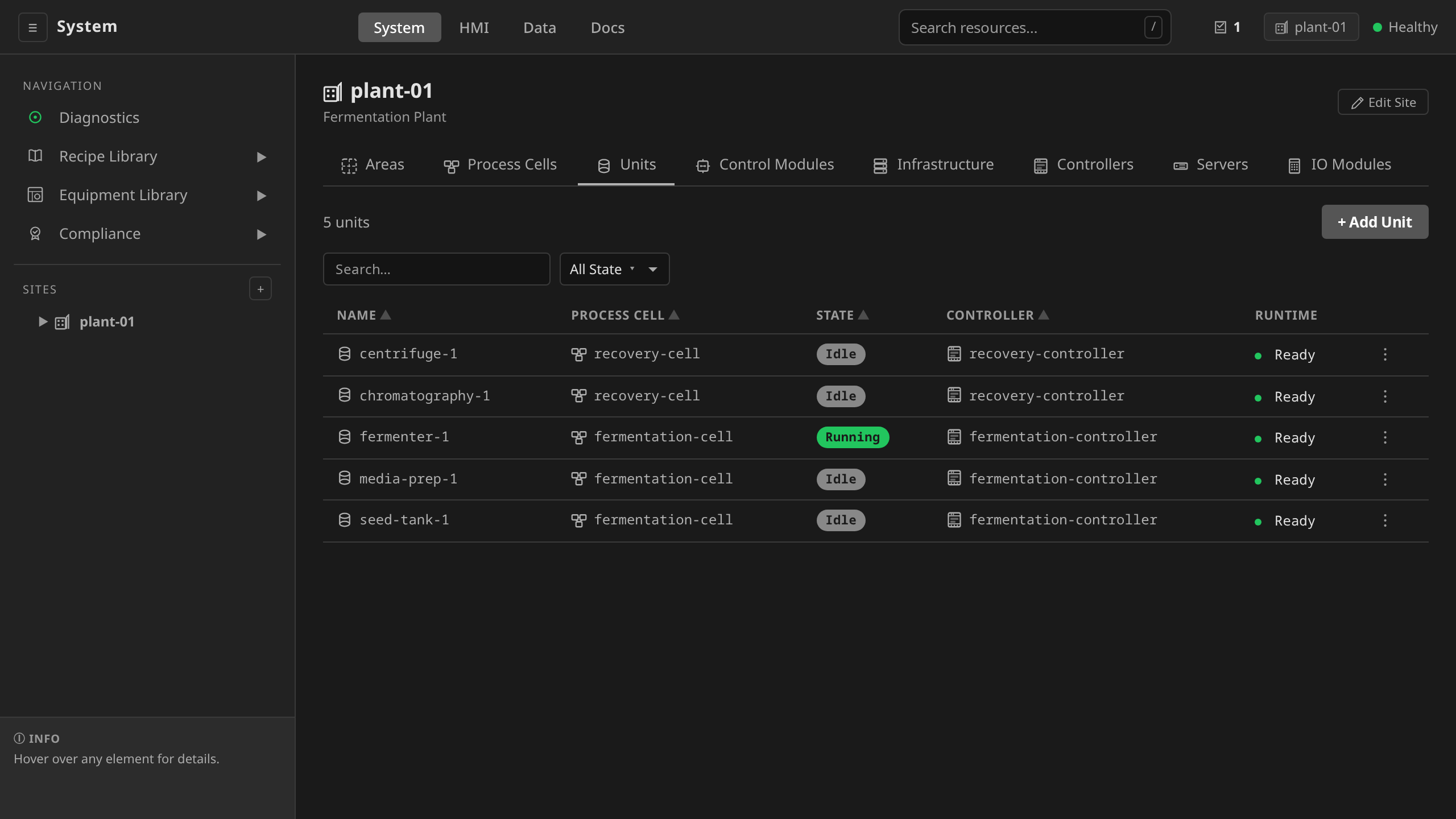
Below the navigation items, each Site appears in the sidebar. Clicking a site opens a tabbed detail view for that site's physical model and infrastructure:
| Tab Group | Sub-tabs | Description |
|---|---|---|
| Physical | Areas, Process Cells, Units, Control Modules | ISA-88 physical hierarchy |
| Infrastructure | Controllers, IO Modules | Controllers and remote I/O. Simulation IOModules display their inline spec.simulation summary on the IOModule detail page; reusable equipment templates live under Simulation Presets in the left nav. |
Creating Resources¶
Each tab includes Create buttons for adding resources directly from the UI without hand-editing YAML:
- Sites: name, enterprise, location
- Areas: name, site
- Process Cells: name, area
- Units: name, process cell, controller, protocol, endpoint
- Controllers: name, node labels (reconciled onto the bound node)
- Control Modules: name, parent, type, template
- I/O Modules: name, controller, protocol, address
- Batches: batch ID, recipe reference (HMI only)
Use the Create buttons for demo, prototyping, and ad-hoc engineering changes.
For production environments, prefer GitOps (kubectl apply from a version-
controlled repository).
Sites Hierarchy¶
The Sites section of the sidebar renders each site as an expandable tree of its physical hierarchy:
flowchart TD
    S[Site] --> A[Area]
    A --> PC[ProcessCell]
    PC --> U[Unit<br/>state badge]
    U --> CM[ControlModule<br/>state badge]
Units and control modules show their current state as a colored badge. Clicking any node opens the corresponding detail view.
Sending Commands¶
The engineering views do not expose ISA-88 command buttons on individual units. All ISA-88 commands (Start, Stop, Hold, Pause, Resume, Restart, Abort, Reset) are issued against a batch from the Batch Execution view. See Equipment Operation and Batch Execution.
Diagnostics¶
The Diagnostics view shows a health summary across the whole control system:
- Services — operators, gateway, historian, alarm archiver, audit archiver
- Per-site runtime status — unit runtime pods, IO probes, controller connectivity
- Alarm summary — active alarm counts grouped by severity
Use Diagnostics as the entry point when investigating system-level issues. For component-specific debugging, see Troubleshooting and Monitoring and Metrics.