Master Recipes
Complete runnable master recipes bound to the simulated process cell
sim-cell. Use these as the fastest path from a fresh reference-plant install to a
running batch.
New here?
Mental Models explains how MasterRecipes, Unit Procedures, Operations, and Phases compose into a four-layer stack. It is the same stack traditional batch-manager software uses, just declarative and version-controlled.
Single-unit recipes
| Recipe | Unit | Purpose |
|---|---|---|
| sim-reactor-heat-m1 | reactor-1 | Reactor heat test. |
| sim-tank-blend-m1 | mix-tank-1 | Tank blend test. |
| sim-tempered-fill-m1 | mix-tank-1 | Tempered fill test. |
| sim-ph-adjust-m1 | mix-tank-1 | pH adjustment test. |
| sim-iterative-dose-m1 | mix-tank-1 | Iterative dose control. |
| sim-pressurized-drain-m1 | mix-tank-1 | Pressurized drain test. |
| sim-filter-dry-m1 | filter-dryer-1 | Filter-dryer isolation. |
Multi-unit recipes
| Recipe | Units | Purpose |
|---|---|---|
| sim-reaction-full-m1 | mix-tank-1 → reactor-1 | Blend in the mix tank, then react. |
| sim-api-isolation-m1 | mix-tank-1 → reactor-1 → filter-dryer-1 | Full API isolation end-to-end. |
CIP recipes
| Recipe | Unit | Purpose |
|---|---|---|
| sim-cip-cycle-m1 | mix-tank-1 | Mix-tank CIP cycle. |
| sim-reactor-cip-m1 | reactor-1 | Reactor CIP cycle. |
| sim-fd-cip-m1 | filter-dryer-1 | Filter-dryer CIP cycle. |
Batch sizing and scaling
A recipe's header declares its sizing envelope (in the shipped
examples the values are declared at the top of the recipe lineage and
carry through to the master recipe):
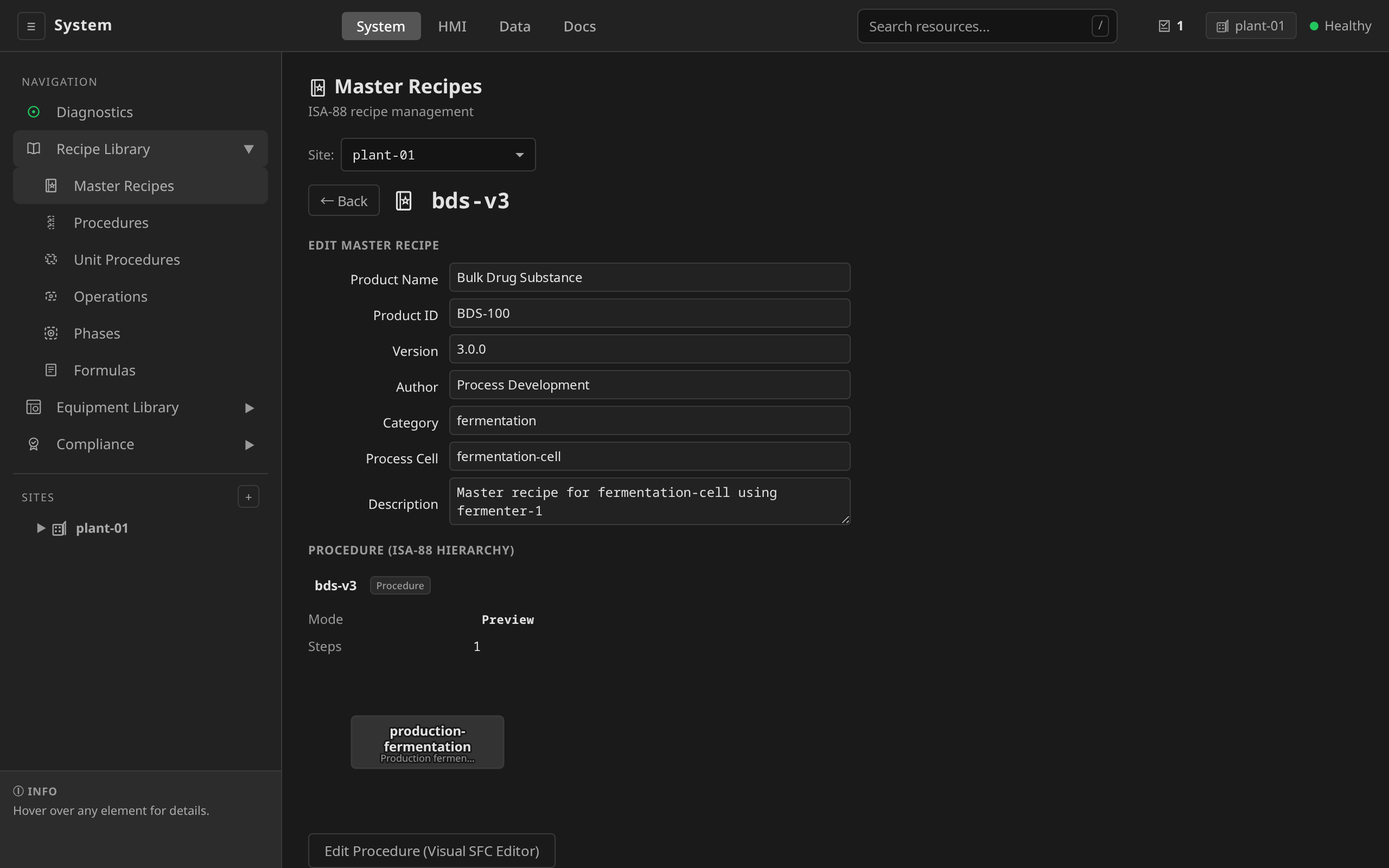
/system → Recipes → open or create a Master Recipe
→ Header section. Set:
- Nominal batch size:
500 - Minimum:
100 - Maximum:
1000 - Unit:
L
spec:
  header:
    batchSize: "500"
    batchSizeUnit: "L"
    minBatchSize: "100"
    maxBatchSize: "1000"
All four fields are strings.
Three things to understand about these fields:
1. They're a validation envelope. At batch creation
time the operator picks a size between minBatchSize and maxBatchSize.
The platform rejects anything outside the range. There is no implicit
interpolation and no scaling rule: a 750 L batch gets parameter values
exactly as bound in the recipe step, with nothing linearly scaled from
the nominal batchSize.
2. Parameter scaling is explicit, via spec.formulas. ISA-88
separates "what values should this recipe use" from "what's the
procedure". The procedure is shared across batch sizes, and the values
come from a named formula. A single MasterRecipe can define several
formulas, one per sizing regime:
On the same Master Recipe edit form → Formulas section → + Add Formula. For each sizing regime, set the formula name, batch size, and the per-parameter values that apply at that size. An example with three formulas per MasterRecipe:
| Formula name | Batch size | fillPercent |
reactionTime |
|---|---|---|---|
| 100L batch | 100 | 80 | 1200 |
| 500L batch | 500 | 70 | 1800 |
| 1000L batch | 1000 | 65 | 2400 |
spec:
  header:
    batchSize: "500"
    batchSizeUnit: "L"
    minBatchSize: "100"
    maxBatchSize: "1000"
  formulas:
    - name: "100L batch"
      batchSize: "100"
      parameters:
        - name: fillPercent
          value: "80"
        - name: reactionTime
          value: "1200"
    - name: "500L batch"
      batchSize: "500"
      parameters:
        - name: fillPercent
          value: "70"
        - name: reactionTime
          value: "1800"
    - name: "1000L batch"
      batchSize: "1000"
      parameters:
        - name: fillPercent
          value: "65"
        - name: reactionTime
          value: "2400"
The operator picks a formula at batch creation (usually matched to
the batch size), and the recipe step's ${paramName} substitutions
resolve to that formula's values. The recipe-level defaults cover any
parameter the picked formula does not override.
3. The reference recipes keep formulas simple. Most shipped recipes define no formulas at all and drive parameter variation through recipe-level parameter defaults. The CIP recipes show the named-formula pattern: each ships sparse formulas ("Full CIP", "Quick CIP", "Extended CIP") that override only the parameters that differ. Those formulas are intensity regimes. For a production plant supporting multiple named batch sizes, define one formula per supported size the same way and let the operator pick.
For the per-parameter substitution mechanism itself, see Parameter Binding. That page walks one parameter end-to-end from the MasterRecipe declaration down to the IOModule channel.
Running a recipe
dcs recipe approve sim-reaction-full-m1   # ISA-88 Table 7: Draft → Approved
dcs simulate sim-reaction-full-m1         # create a simulation batch and watch to completion
dcs batch events <batch-name>             # review the event log (name printed by dcs simulate)
See Recipes for the approval lifecycle and Batch Execution for commanding a running batch.